
Your inbox.
At home on Mac.
The conversations, the team, the next move.
A whole workspace. One app in your Dock.
 Your Orren workspace
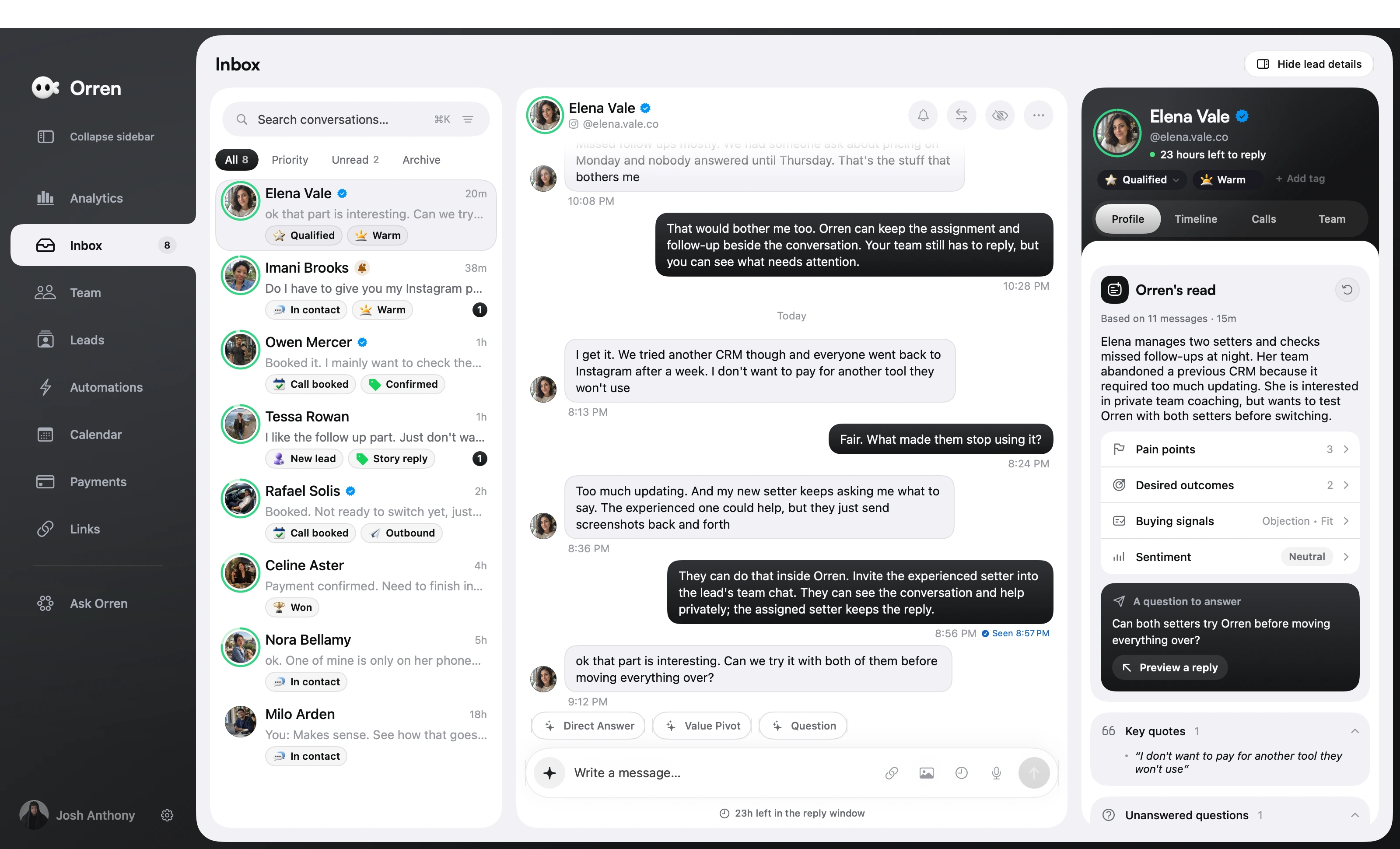




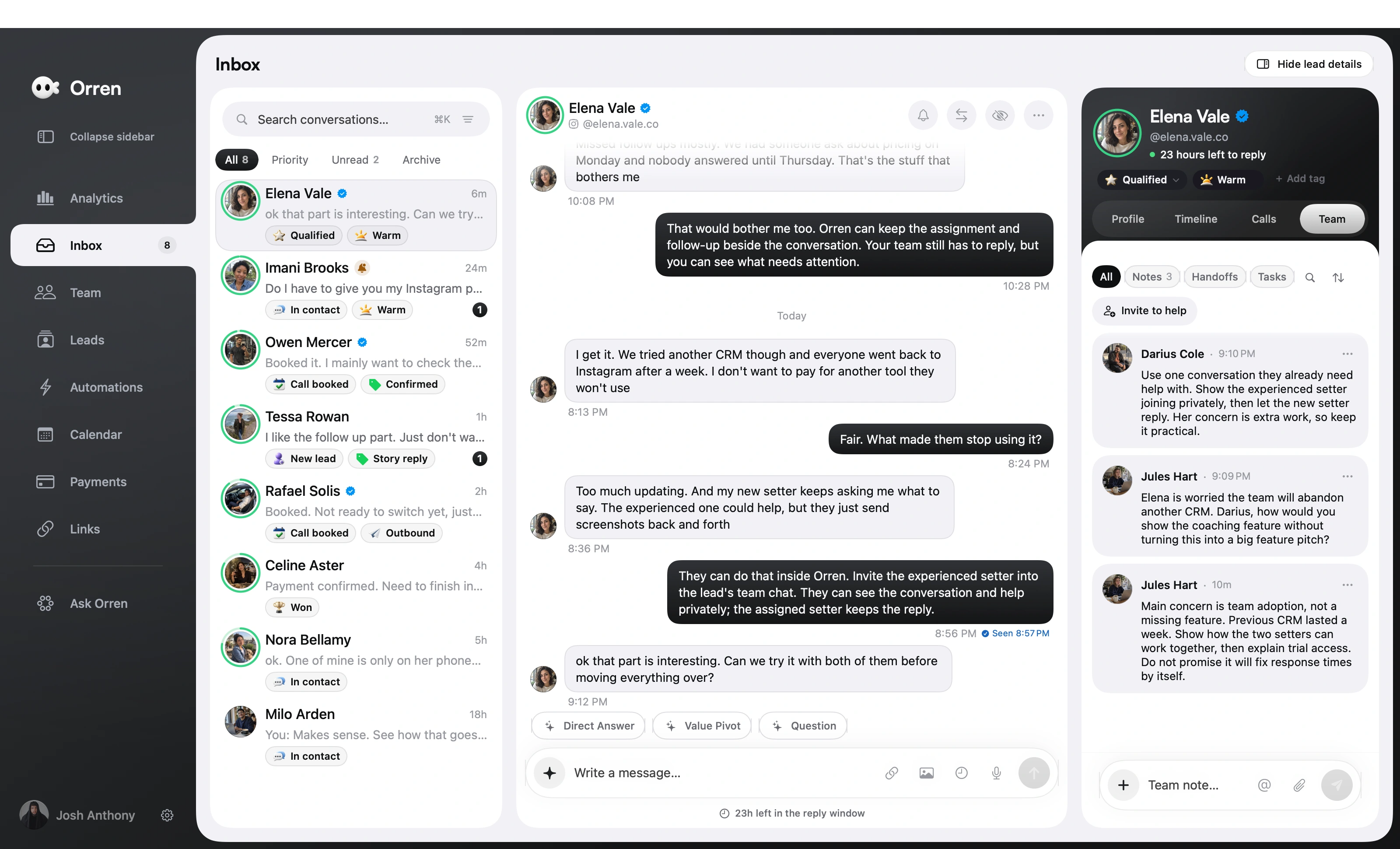
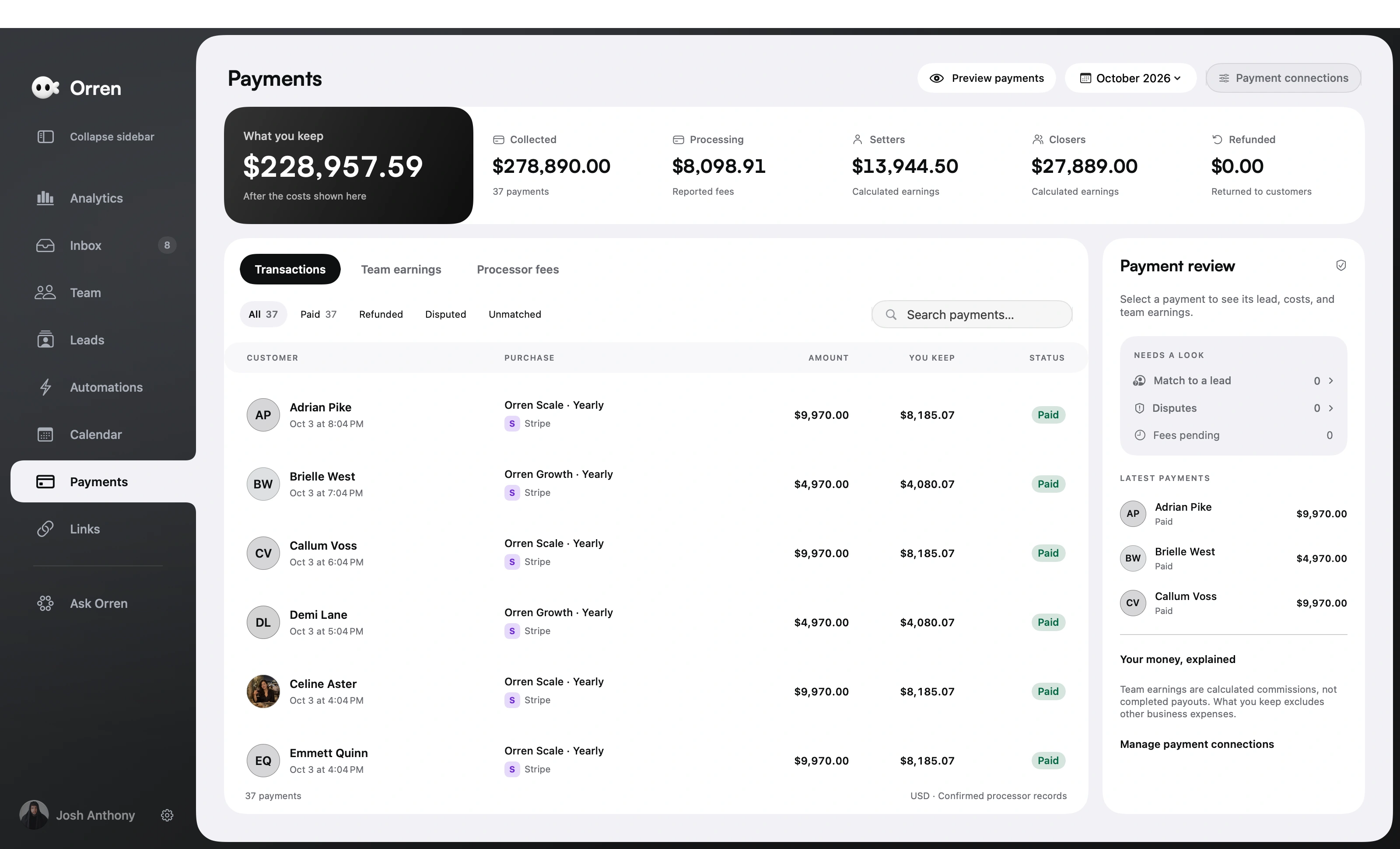
The conversation. And everything behind it.
Messages, lead details, and a useful next step. Together in one view.
First time here? Start your 7-day free trial Then sign in to the app with your Orren account.
From download
to your first conversation.
A familiar install. Your own workspace.
Here’s how to get started.
 Orren
Applications
- 01
Download and install.
Open the downloaded file, then drag Orren into your Applications folder.
Download Orren - 02
Make it your workspace.
Open Orren and sign in. New here? Choose a plan to start your 7-day free trial.
Choose your plan - 03
Bring your inbox in.
Connect your professional Instagram account in Orren. Your next conversation starts here.
A little help getting started?
We’ll help you find your way around.
Taking the conversation with you?Get the iPhone public beta