
Instagram conversations
Keep the momentum.
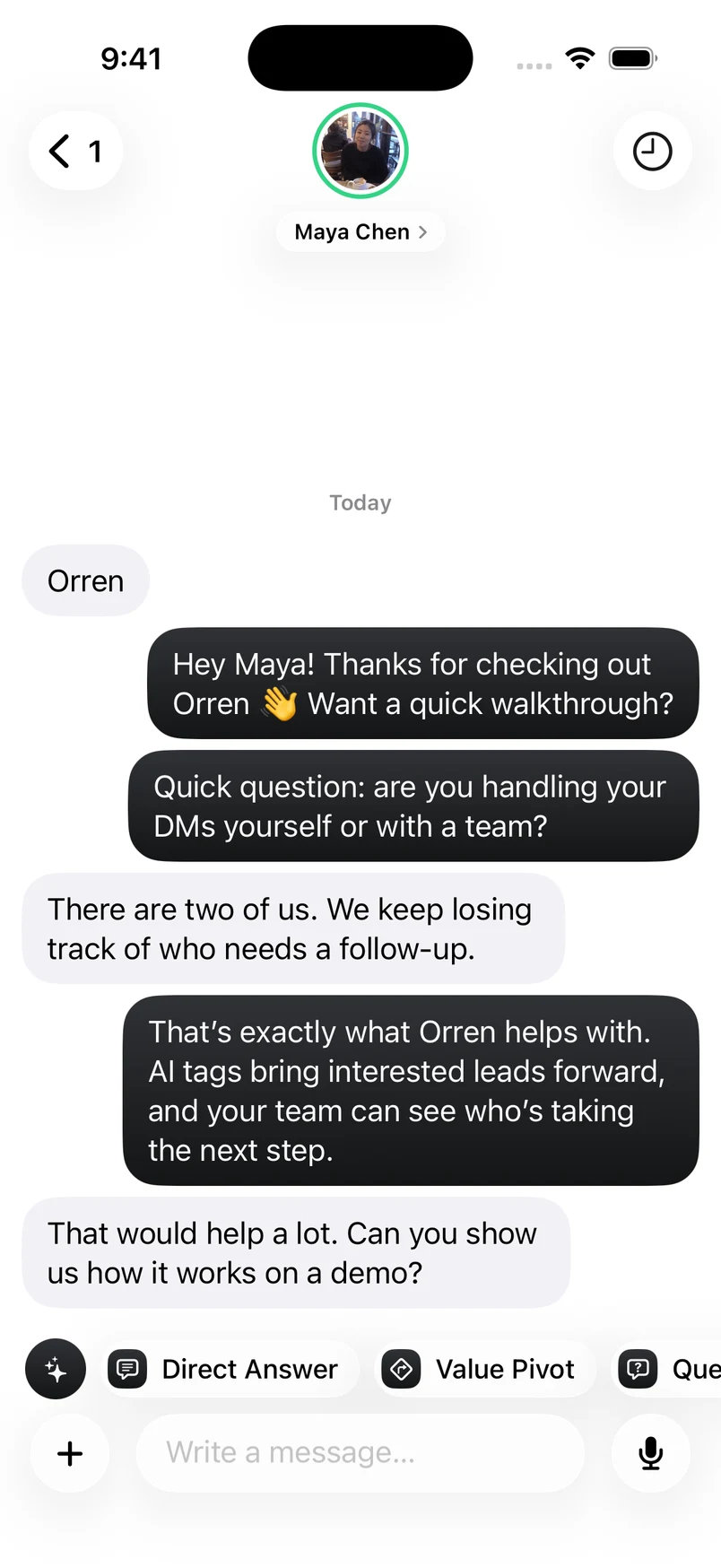
Reply when the moment is right. Your Instagram conversations and Orren’s help come with you.

Orren for iPhone
The conversation doesn’t stop when you leave your desk. Take your Instagram inbox, your team and the full picture with you.
TestFlight beta · iOS 26 or later

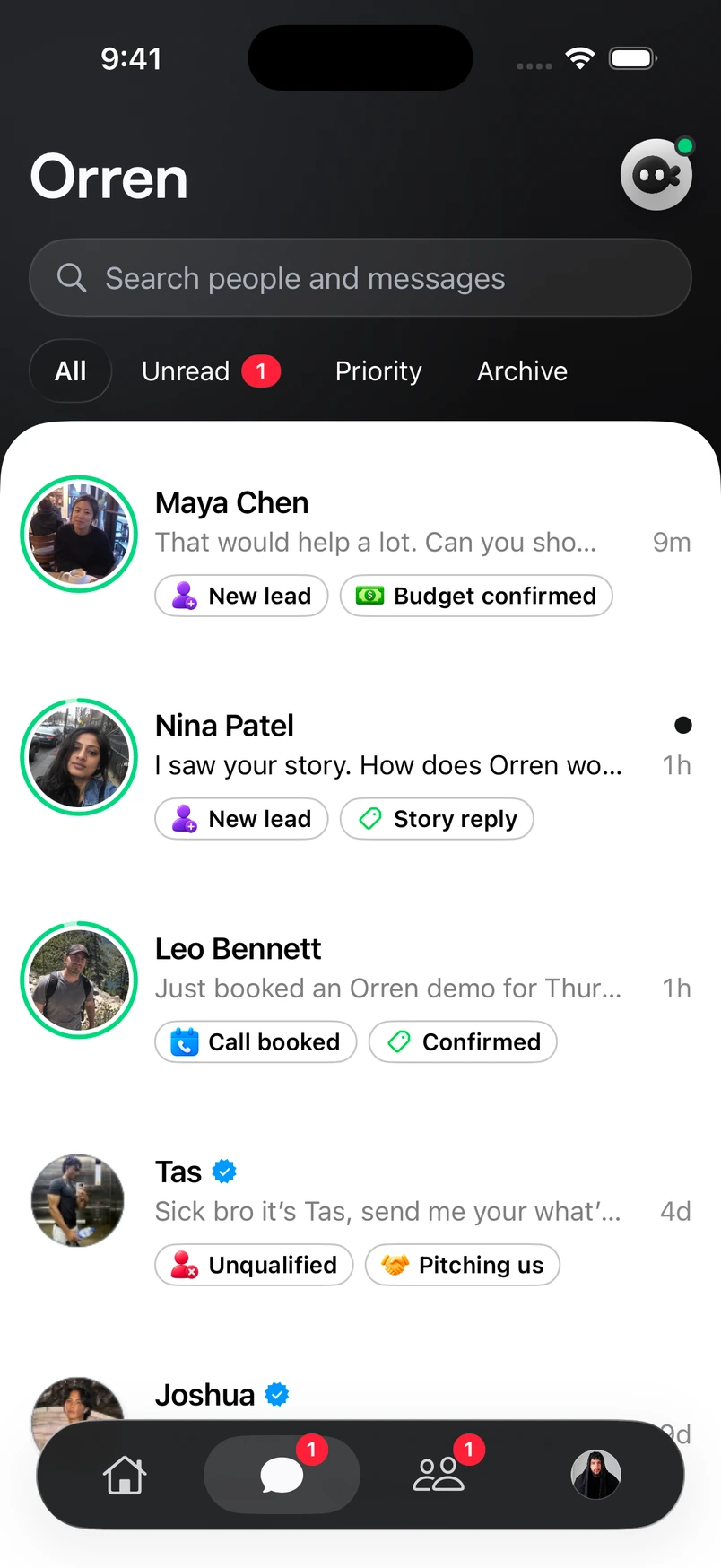
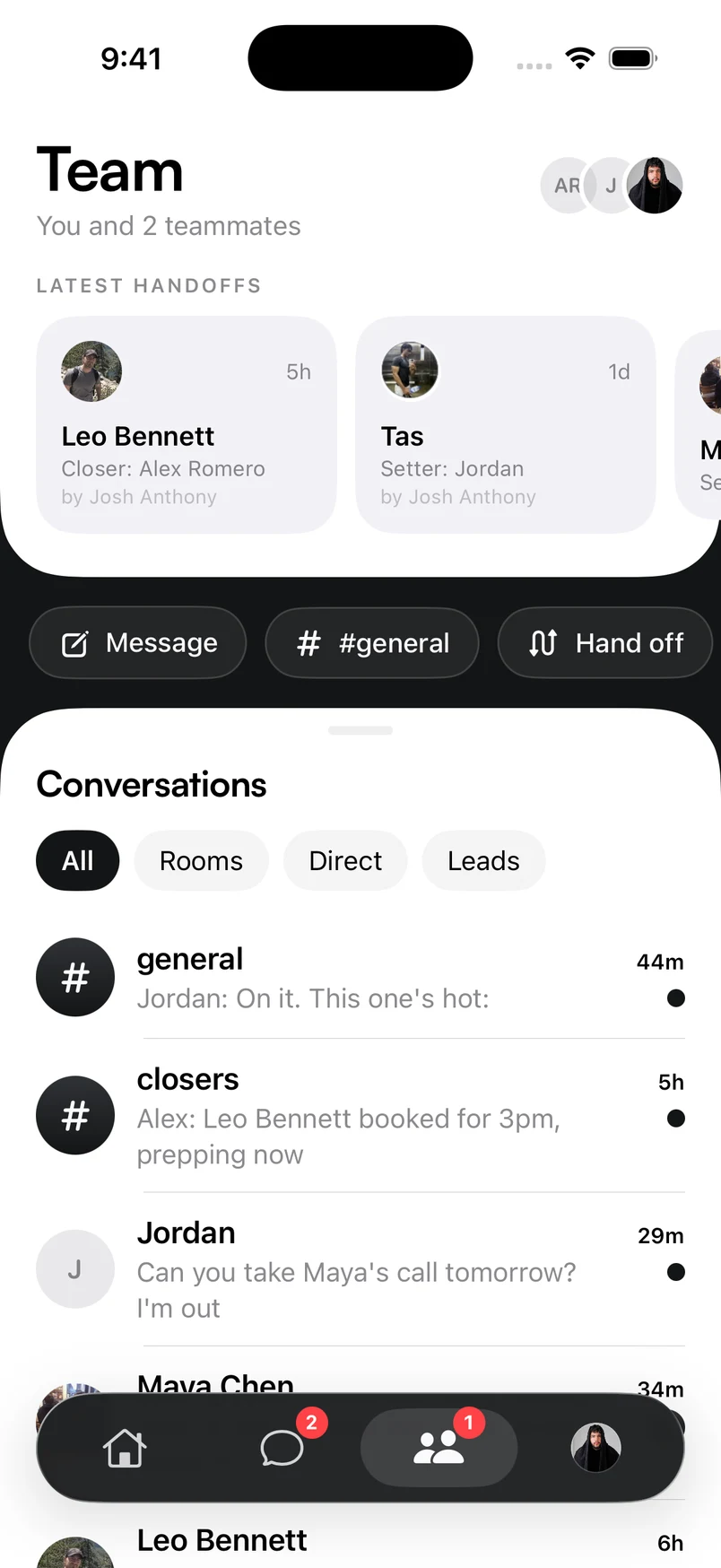
More than messages on your phone. The context that helps you move each conversation forward.
Instagram conversations
Reply when the moment is right. Your Instagram conversations and Orren’s help come with you.
Lead profiles
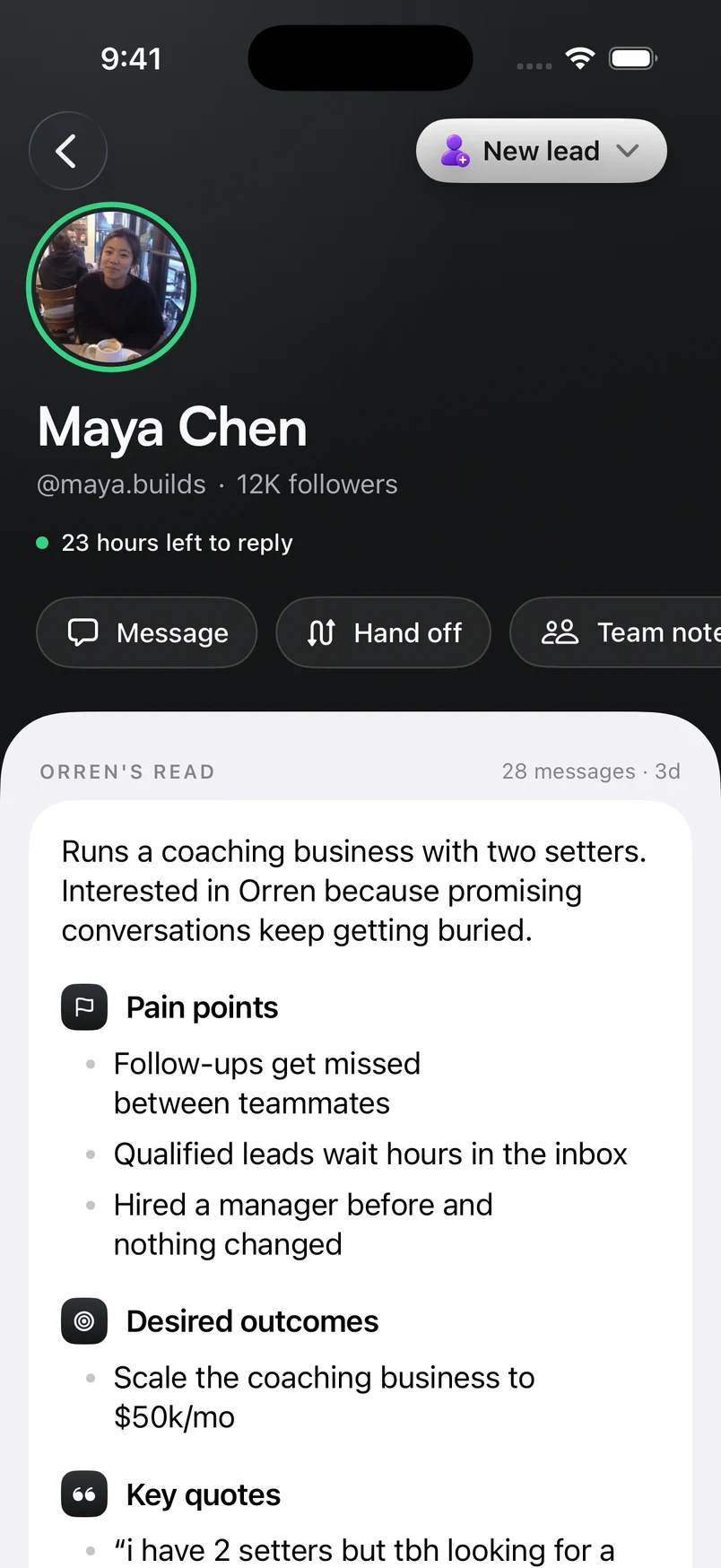
Open a lead’s profile to see their tags, goals and context. Pick up the conversation without starting from scratch.
Client timeline
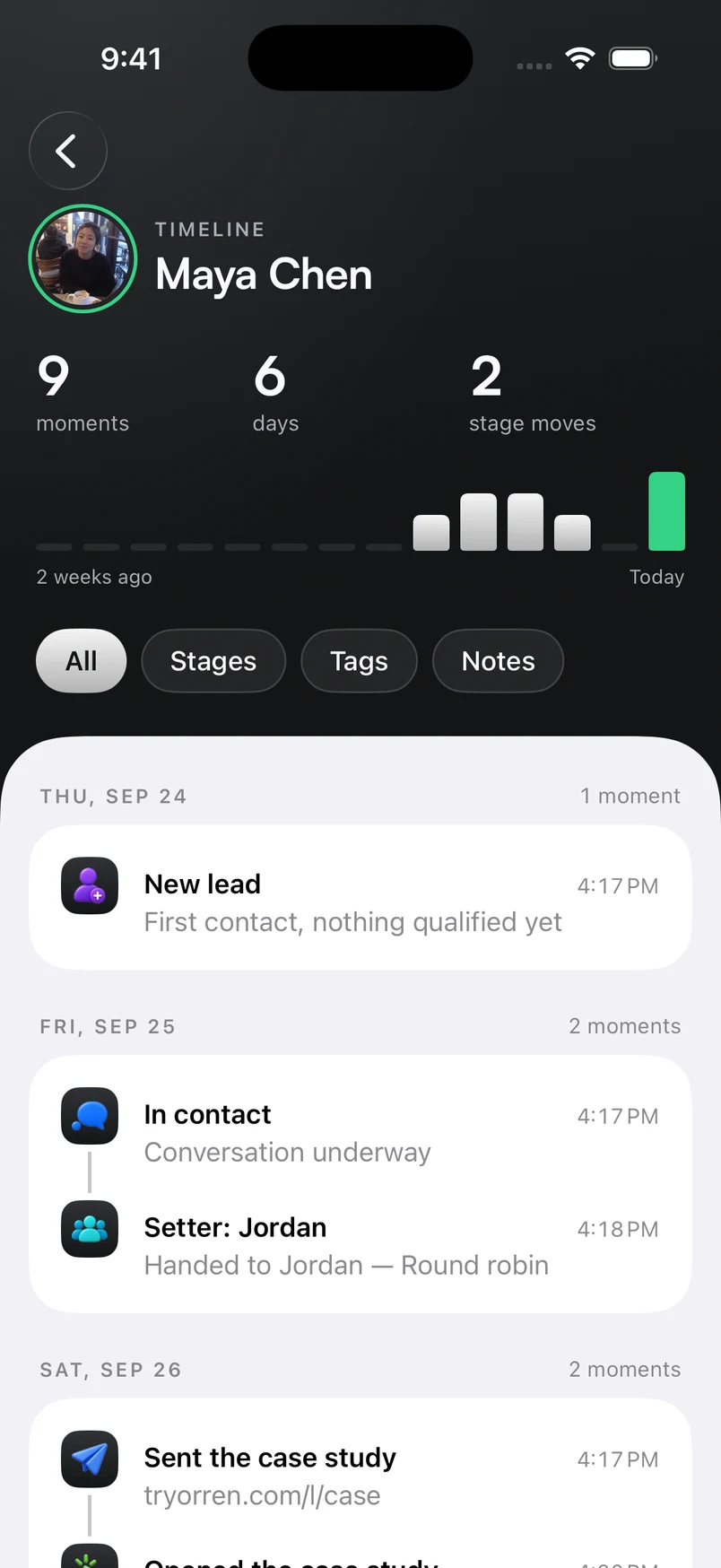
From the first message to the next milestone. Follow the lead’s timeline and keep the whole story in view.
Actual Orren screens with example conversations.
Sign in to the same Orren account on Mac and iPhone. Your conversations, lead history and team stay together.
Check in on your team and manage existing automations on iPhone. Build and edit automation flows on Mac.
Explore Orren for Mac
For now, you’ll install Orren through TestFlight, Apple’s app for trying beta releases. Here’s how.
Open the App Store on your iPhone and download Apple’s free TestFlight app.
Get TestFlightOn your iPhone, open your Orren TestFlight invitation. Tap Accept, then Install.
An invitation is currently required. Public access is on its way.
Ask about beta accessOpen Orren and sign in to your existing account. Use the same email or linked sign-in method you use on Mac.
New to Orren? Explore plansRequires iOS 26 or later, a TestFlight invitation and an Orren account with access.
Already invited? You’ll find Orren inside TestFlight. Need a hand?
We use optional Google Analytics cookies to understand how our website is used and make it better. You can accept or reject these cookies and change your choice anytime. Privacy policy
Your browser’s privacy signal is on. Optional analytics cookies stay off.

 Orren for iPhone